
1. Create your account and subscribe
Enter your restaurant details, verify your email address and complete the monthly subscription through Stripe Checkout. There is no conventional free trial.
Start with the restaurant account, then work through your branding, menu, service settings and connected kitchen devices. Preview your customer website before publishing; you control when it goes live.
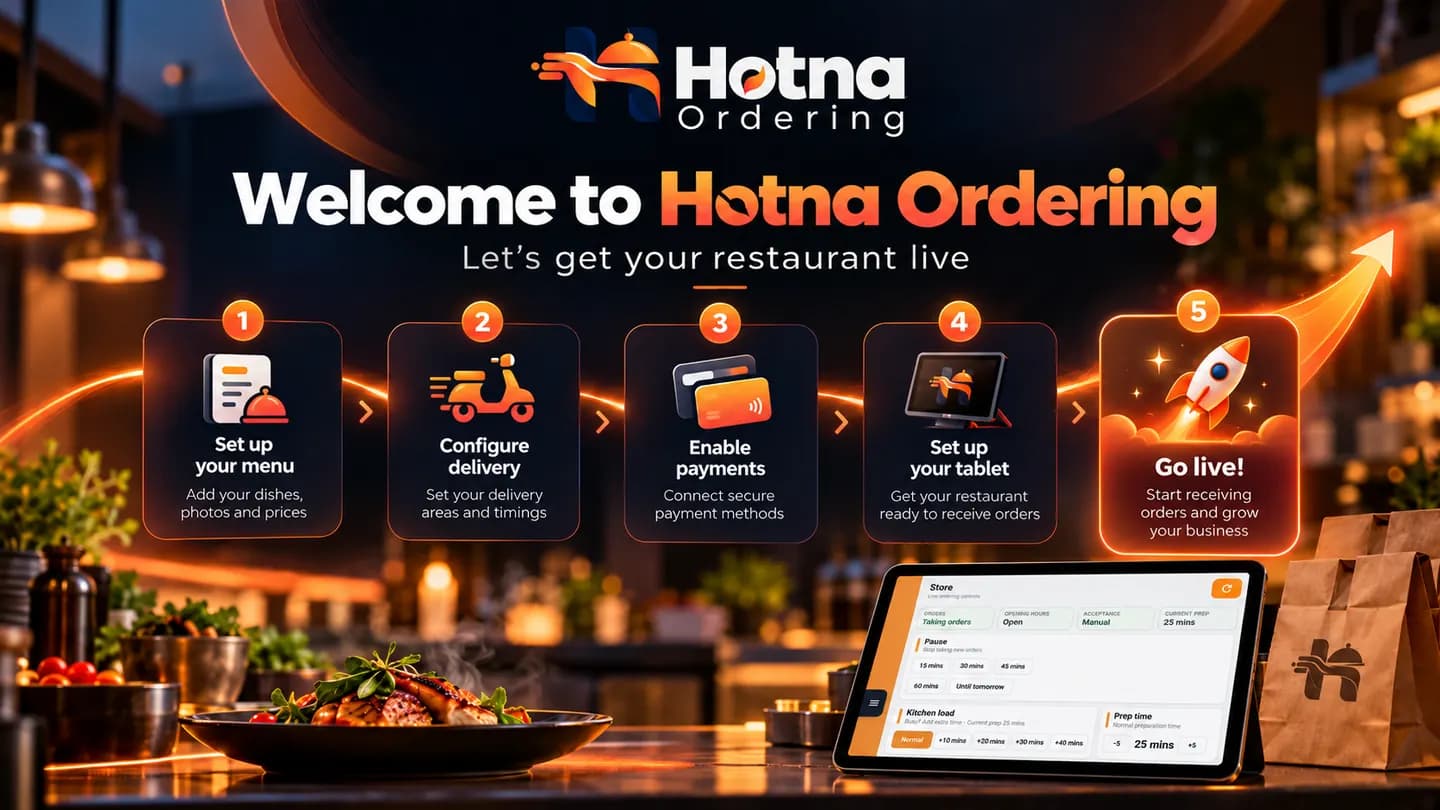
Product illustration with real pilot screens. Guided tenant onboarding is in development.
Practical features designed for real food businesses, without forcing your team into an enterprise POS system.
Enter your restaurant details, verify your email address and complete the monthly subscription through Stripe Checkout. There is no conventional free trial.
Add your restaurant brand and photos, organise products into categories, set prices, required choices, sizes and extras, then configure opening hours, collection, delivery and accepted payment methods.
Pair the Android order-receiving application with a compatible 80mm kitchen printer. Check the Store controls, order acceptance and preparation times, then carry out controlled test orders.
Check mobile browsing, modifiers, delivery eligibility, online payment and collection options. Preview the website and review readiness, then publish to a Hotna-hosted address or configured restaurant domain.
Explore the restaurant case study based on genuine customer ordering and Hotna Store screens.
Start with one straightforward monthly package and add Counter Ticket only if you need it.
Get started ↗